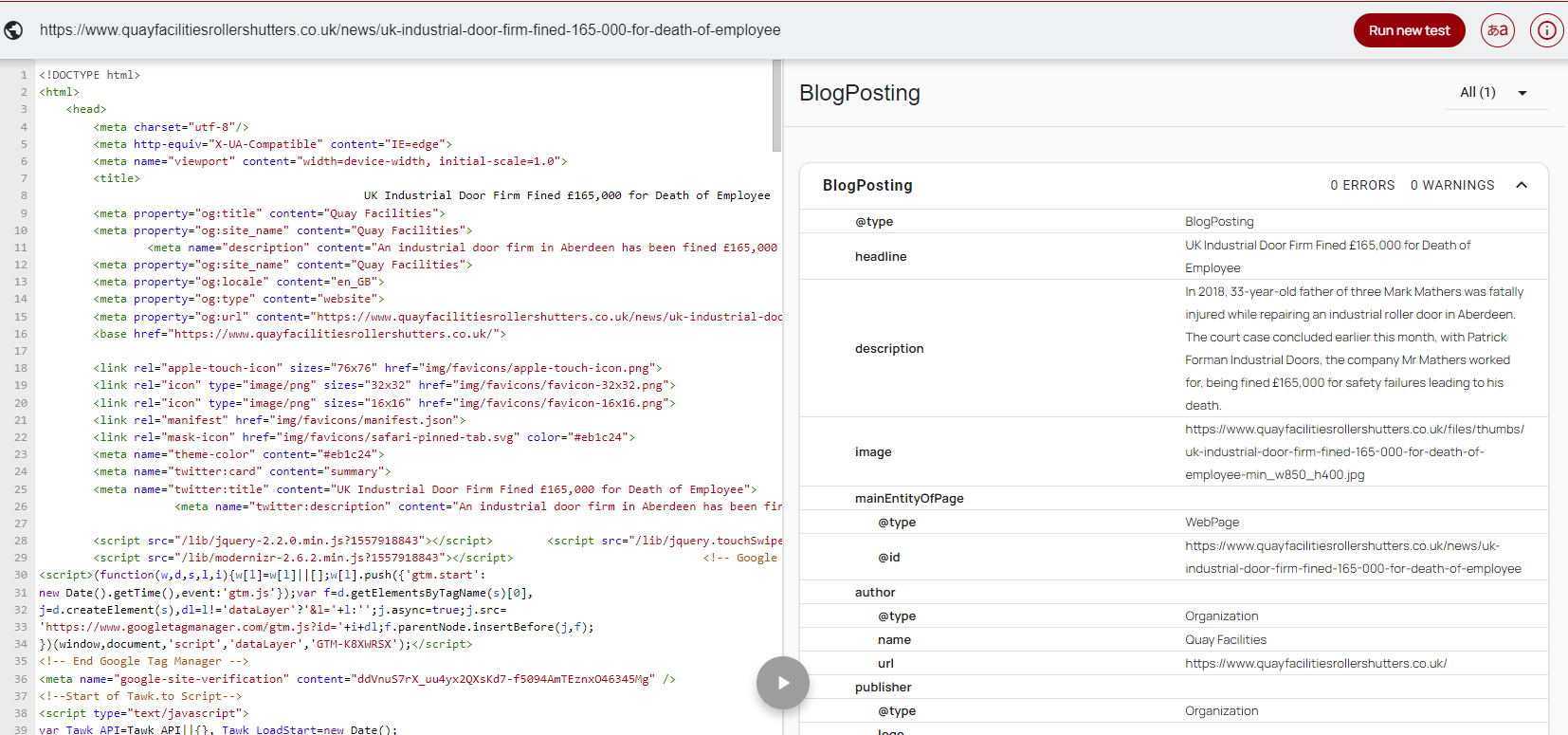
This only applies to custom CMS web sites who do not have auto schema functionality
Tool – https://technicalseo.com/tools/schema-markup-generator/
Using this tool, complete all of the fields in order to build out the blog schema.
Example: https://www.quayfacilitiesrollershutters.co.uk/news/uk-industrial-door-firm-fined-165-000-for-death-of-employee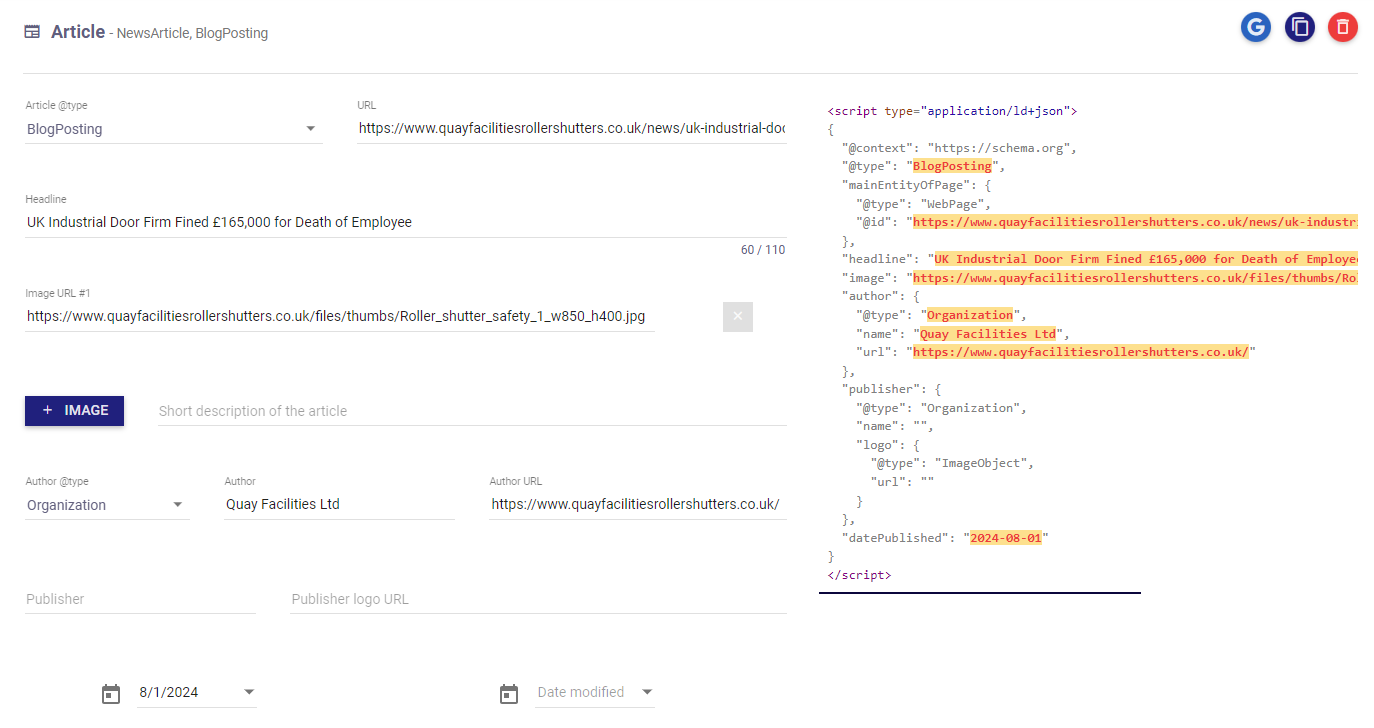
Copy the schema output:
<script type="application/ld+json">
{
  "@context": "https://schema.org",
  "@type": "BlogPosting",
  "mainEntityOfPage": {
    "@type": "WebPage",
    "@id": "https://www.quayfacilitiesrollershutters.co.uk/news/uk-industrial-door-firm-fined-165-000-for-death-of-employee"
  },
  "headline": "UK Industrial Door Firm Fined £165,000 for Death of Employee",
  "image": "https://www.quayfacilitiesrollershutters.co.uk/files/thumbs/Roller_shutter_safety_1_w850_h400.jpg",
  "author": {
    "@type": "Organization",
    "name": "Quay Facilities Ltd",
    "url": "https://www.quayfacilitiesrollershutters.co.uk/"
  },
  "publisher": {
    "@type": "Organization",
    "name": "",
    "logo": {
      "@type": "ImageObject",
      "url": ""
    }
  },
  "datePublished": "2024-08-01"
}
</script>
Login into the web site CMS and locate the blog article.
Paste the schema code into the content WYSIWYG section: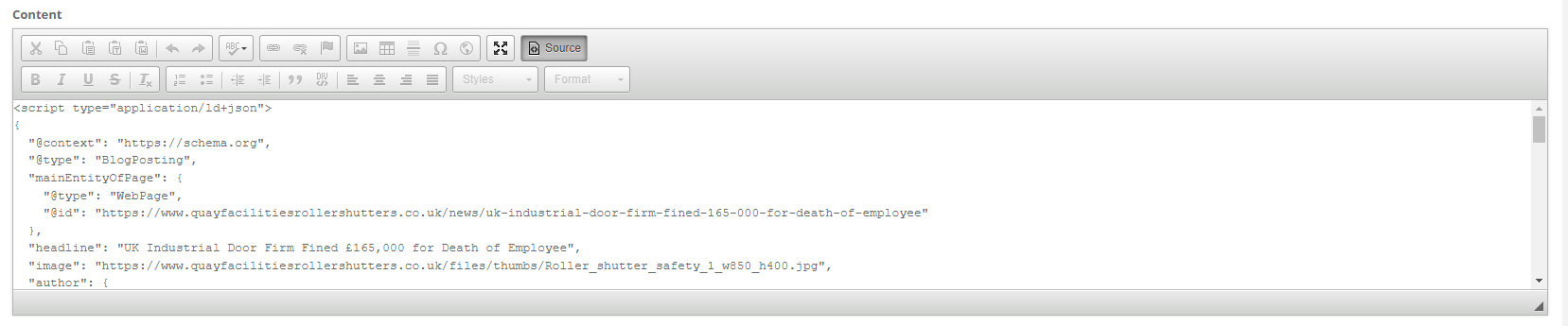
Save the article.
Test – https://validator.schema.org/
Copy the blog url into the fetch url pop up.
If done correctly you will see the following: