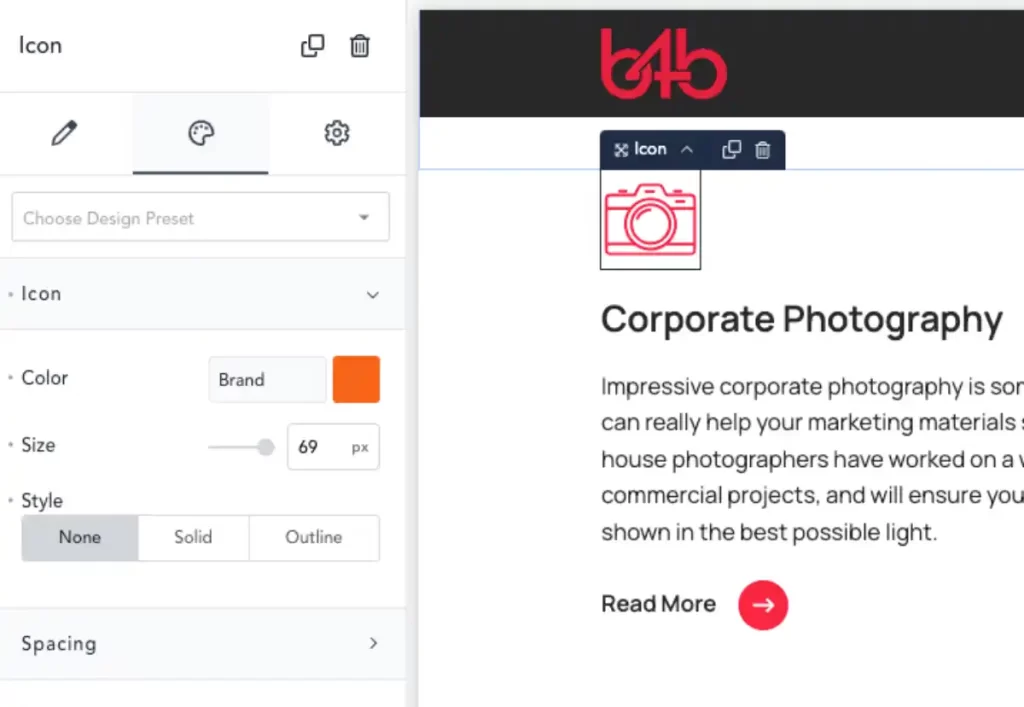
Exporting icons from Figma to use in Breakdance doesn’t always work. This is due to Breakdance’s way of colouring the icons using the ‘Fill’ instead of the stroke.
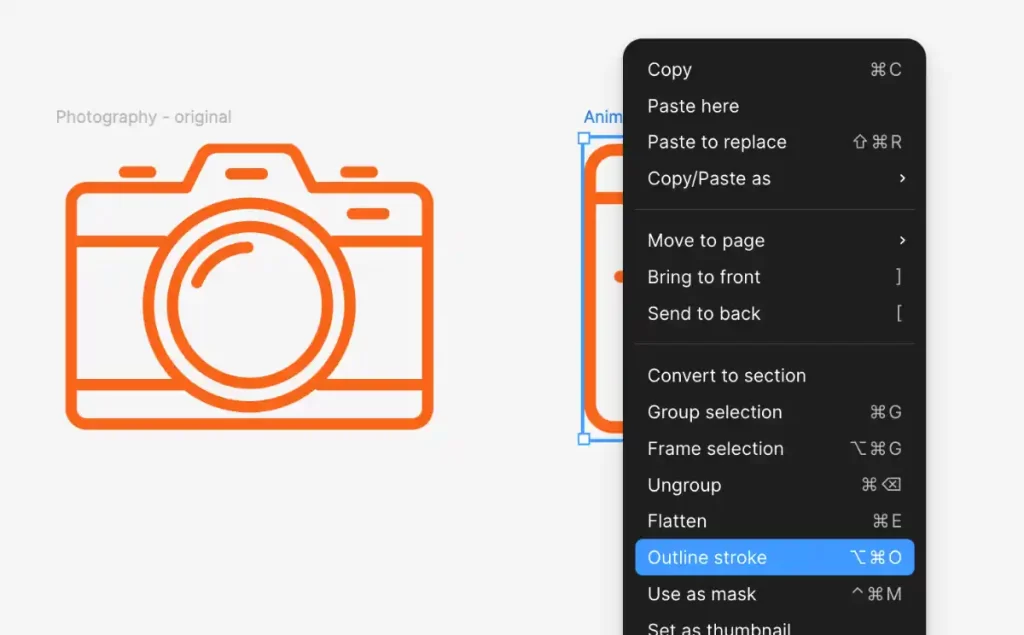
Open Figma and outline the icon you want to use.
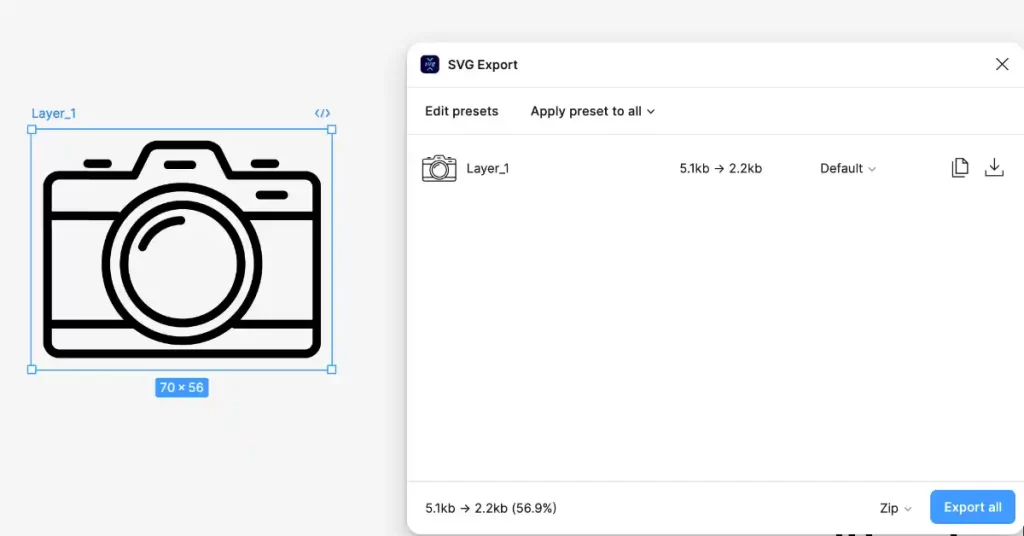
Install the plugin SVG Export
Run the plugin and click on your icon frame
Edit the settings in the plugin.

Then click the download button.
Within Breakdance open the page you want to add the icon to, drag the Icon on to the page and select.
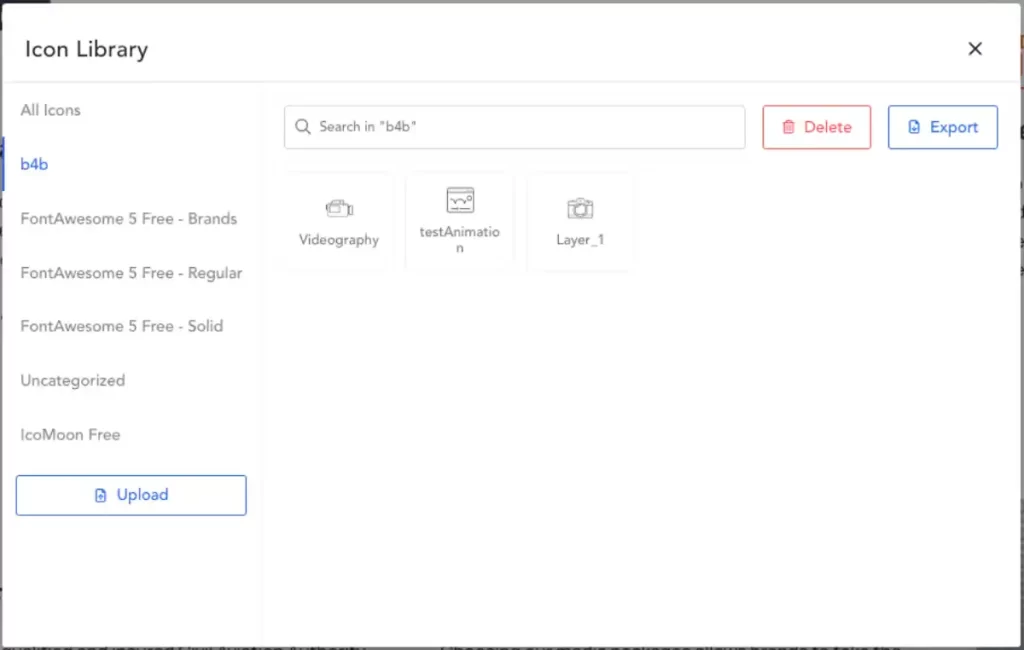
This window should popup, navigate to the b4b tab and upload your icon and select it.
You should now be able to use the colour to change the icon colour.
On the b4b site select the ‘Brand’ colour, the script in the Navbar should automatically change the colour to the dept brand colour – as long as it’s selected in the page’s ACF field.